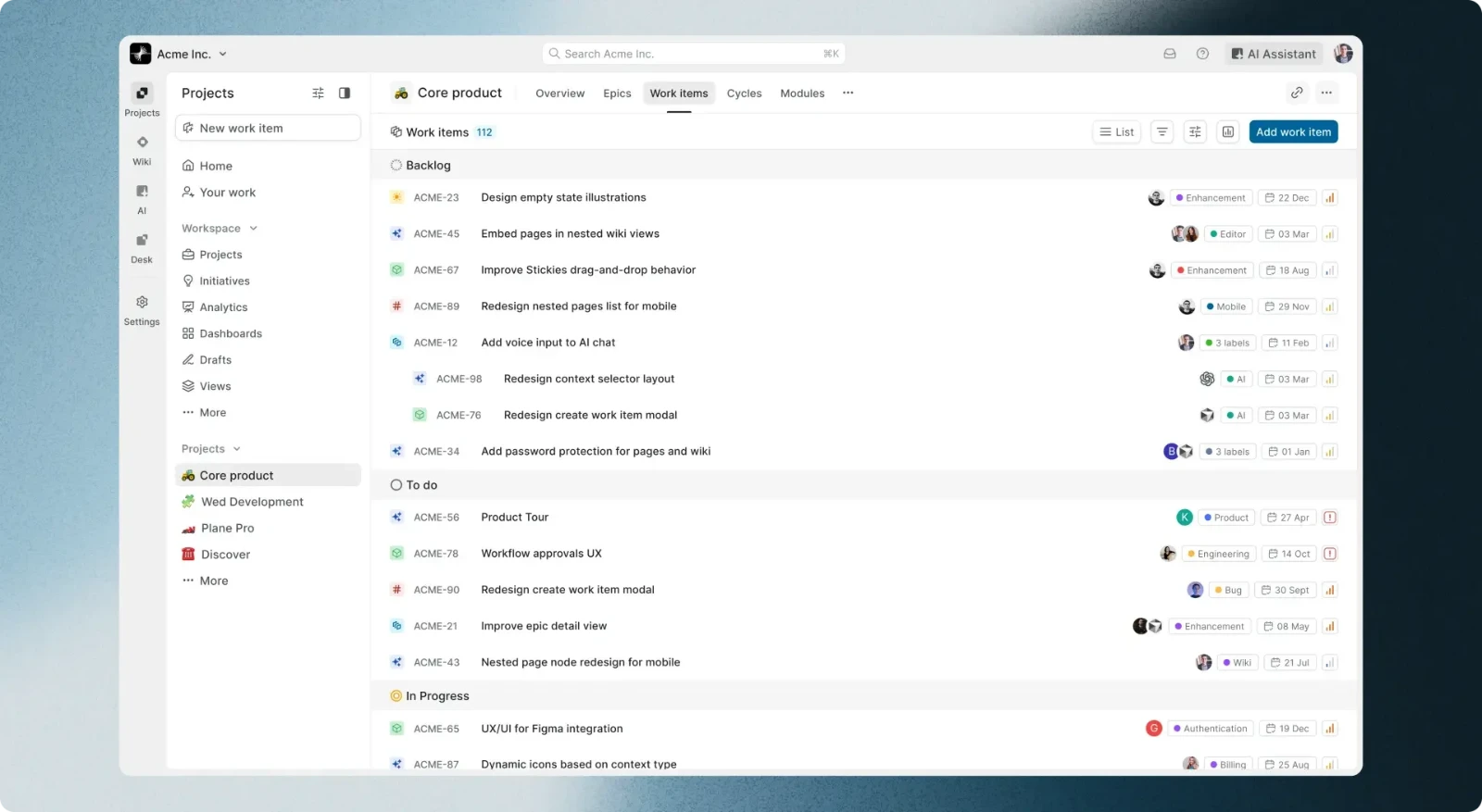
Rumour has it that every time a Kanban board loads in Jira, somewhere in the world a product manager stares out of the window, longing for simplicity. Nobody can deny the power of Atlassian or Asana, but more and more teams are starting to feel so-called Jira fatigue: weariness with overloaded interfaces, slow performance and costs that grow faster than the pride in a delivered sprint.
At Velg we always look for tools that not only make work smoother but also make the daily contact with code and tasks simply a pleasure. Enter Plane.so, the open-source dark horse of product management that intends to shake up the market.
Why is it worth a chance? Let's take a closer look.
What exactly is Plane.so?
In short: Plane is a free, open-source alternative to tools like Jira, Linear and Height. Its makers set a clear goal: to build a platform as powerful and flexible as Jira, yet as fast, minimal and good-looking as Linear. Best of all, you can use it in the cloud (Plane Cloud) or run it on your own server (self-hosted) and keep full control of your data.
Three pillars that set Plane apart
- Speed: Forget waiting fractions of a second for a click. Plane's interface is instant, which saves developers and PMs a lot of nerves in daily work.
- Full control (open source): For companies that put data security first (or that simply do not want to pay a subscription for every new user), self-hosting with Docker is a real game changer.
- Intuitive UX: The tool does not need a two-week rollout and an administrator certificate. You open it, create a project and get to work.
Features your team will love
Plane is not just a pretty skin on a task list. It is a mature ecosystem that supports modern agile methods (Agile, Scrum, Kanban). These are the parts that impress most:
1. Issues: tasks under full control
Standard? Yes, but very well done. You can view tasks as a classic list, a Kanban board, a calendar or a Gantt chart (Timeline). Switching views takes one click. Add a rich text editor (with Markdown support) that lets you write clear task documentation.
2. Cycles (sprints) without the chaos
Sprint planning in Plane is called Cycles. They let the team focus on what matters most in a given period. A bonus is the built-in, automatically generated burn-down charts and analytics that let you watch the health of the project as it goes.
3. Modules for better structure
Do you have a large project and want to carve out "epics" or specific phases (for example Rebranding or Database migration)? That is what Modules are for. They let you group related tasks, give them their own leads and track the progress of a specific sub-project.
4. Pages: your internal Wikipedia
No more jumping between Jira and Notion. Plane has a built-in Pages section where the team can write notes, project briefs and technical documentation together in real time, and link them straight to specific tasks.
Plane vs. the giants: the takeaway
The takeaway? If you love the look and speed of Linear but need flexibility and the option to host the tool yourself, Plane fills that gap perfectly.
Why we at Velg are watching Plane with excitement
In software development, choosing the right tools is half the battle. Bad tools breed resistance in the team, and resistance delays rollouts. Plane.so shows that modern business software does not have to be dull, grey and clunky.
For startups and growing software houses, Plane is a chance to build a professional workflow without heavy licence costs at the start. For mature businesses it is a signal that the project management tools market is changing fast and worth keeping an eye on.
And how is it with you? Is your team ready to leave the safe but heavy wings of the giants for open-source lightness? The future of project management may have wings, and they may be Plane's.